
Platform · Features
Everything your data needs on its way to a model
MLtwist cleans, transforms, augments, and labels your data, then sends it back in your native format, so you can build AI faster and better.
Demo
See the platform in action
A walkthrough of the latest release: projects, pre-labeling, review, and the Data ID Card.
Dashboard
Every data project and its analytics in one dashboard
See progress across projects, track performance, and get to datasets, batches, and outputs in a click. Live activity shows what's moving and what's stuck.
Pre-labeling
Model-assisted pre-labeling
Prompt state-of-the-art foundation models to create first-pass annotations, so people correct labels instead of starting from zero.
- Pick the model, prompt, labeling type, and output format per run.
- Or host your own model on MLtwist and pre-label at scale.
- Human-in-the-loop review checks and improves the model as you go.
Traceability
A Data ID Card on every file
Know where your data came from, how it was changed, and where it was used. Every dataset ships with a record of how it was collected, transformed, labeled, and validated, and who handled it.
- Audit datasets and reproduce training pipelines.
- Meet governance and regulatory requirements without stitching logs together.
- Track every project from intake through labeling, QC, acceptance, and delivery.
Quality control
Quality control built in, automated and human
Anomaly detection, side-by-side visual comparison, and approval workflows keep datasets accurate, consistent, and production-ready.
Twists
Twist AI Builder: your own data steps, without a rebuild
Twists are containerized steps that run on your data where it lives. Choose from a library of ready-made Twists, from format conversion to LLM-powered pre-labeling, or build your own in the browser. Custom Twists are scoped to your workspace, so your team controls how its data is processed.
Review
Quality feedback in real time
Thumbs up, thumbs down, or a comment on any file, right in the platform, so annotators know exactly what to fix before anything ships.
Synthetic data
Turn spreadsheets into synthetic video
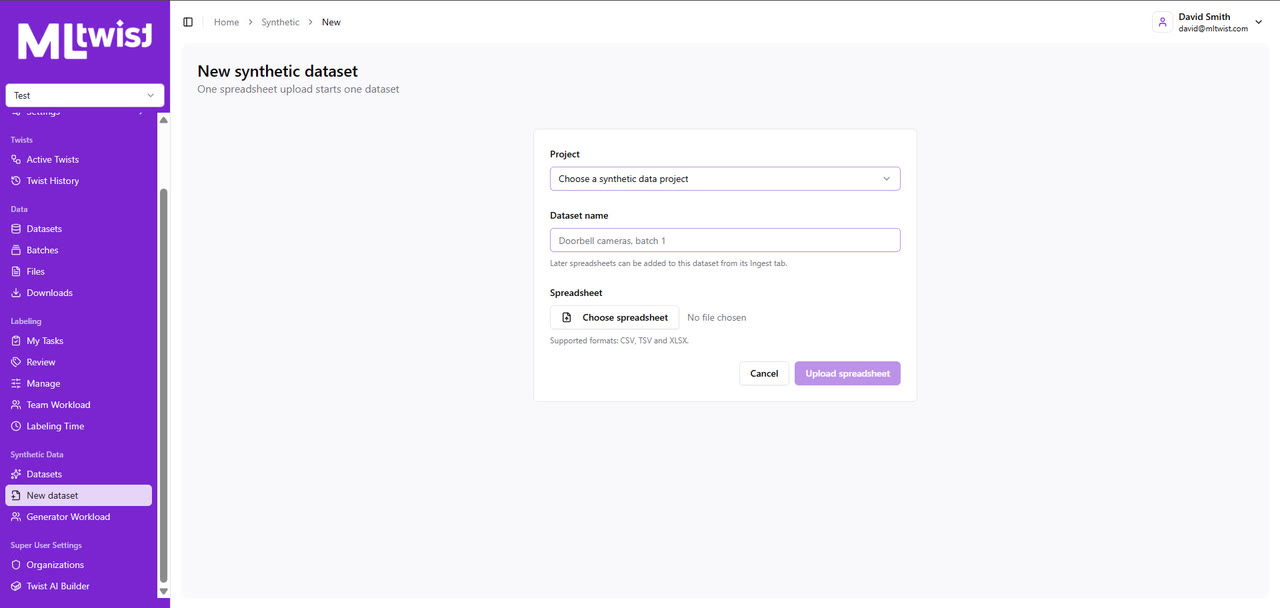
Create and manage synthetic video at scale through a self service workflow using your own API keys. Define scenarios in a spreadsheet, generate and refine seed images and prompts, track every attempt, extend clips from their last frame, and automatically stitch them into videos of any length.
And more
The rest of the toolkit
Have a workflow you don't see here? Build a Twist for it: package a new format, model, or pre-labeling prompt, test-build it, and run it as a step in the same pipeline.
Visualize 3D data
View 3D source files and meshes, AI pre-labels, and human annotations in one place, without converting files or switching tools.
Label multimodal files
Add tags and metadata to files, then approve or change labels as you review. Combine AI labels with human review to organize large datasets faster.
AI tagging
Run Twists that tag and enrich source files with AI, across CAD, DICOS, images, text, audio, and video, and send the results straight into your workflow.
Spreadsheet workflows
Generate reports from spreadsheets, and run quality control on spreadsheet data in the platform: review entries, comment, and approve or reject for correction.
JSON and companion files on demand
Download the JSON for pre-labeled or labeled data, with companion files that carry its metadata, at the push of a button.
Your storage, your format
Read from and deliver back to Google Cloud Storage, Amazon S3, or Azure Blob, in the schema your training code already reads.
See MLtwist on your data
Tell us what data you have and where it lives. We'll show you the platform on it, and scope who runs it: your team, ours, or both.
Also available through Carahsoft and Google Cloud Marketplace.