MLtwist : The Unstructured Data Management Platform
MLtwist cleans, transforms, augments and sends your data back in your native format so that you can build your AI faster and better.
Check out our Latest Demo
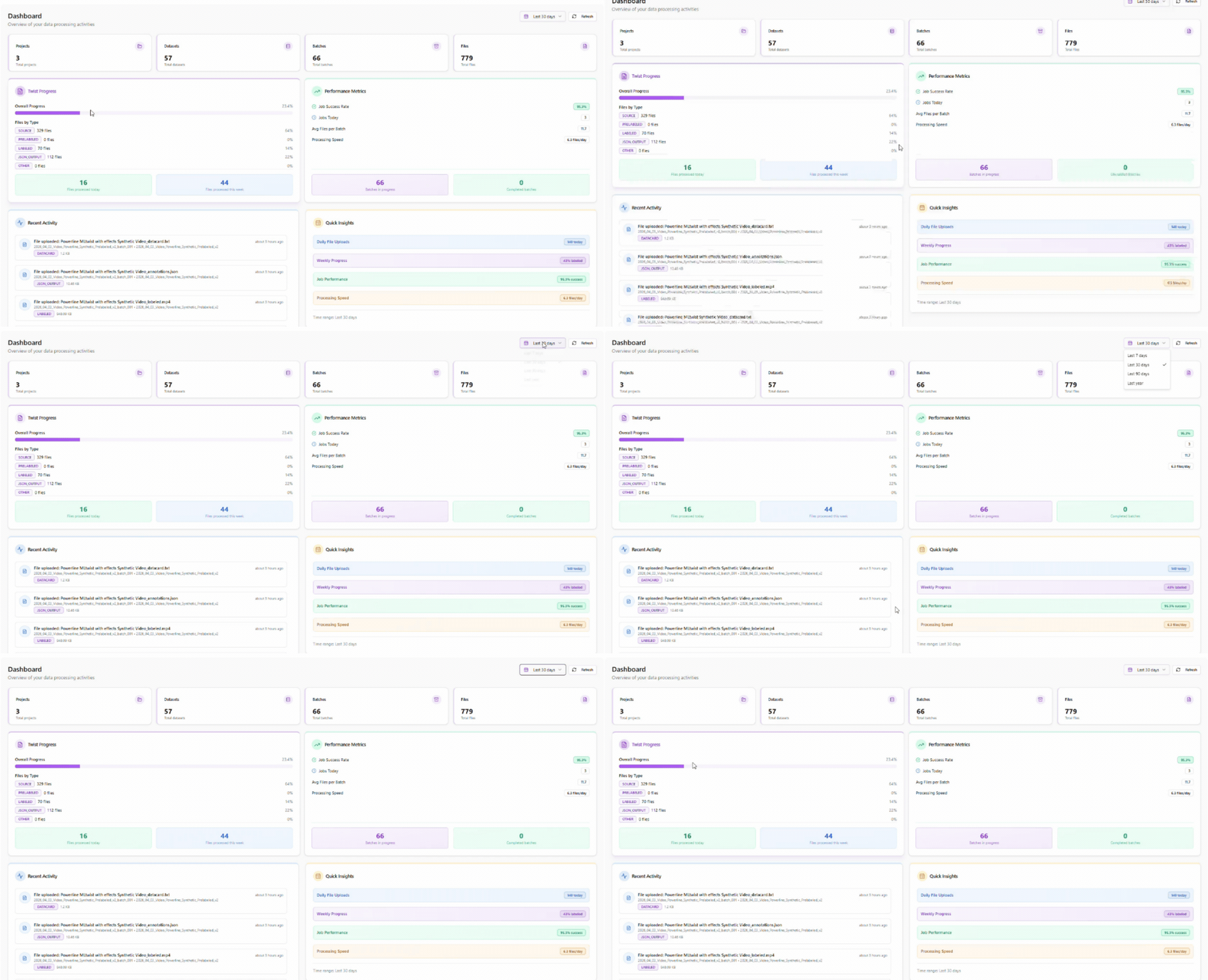
Monitor your AI Data Projects and Analytics
in One Dashboard
Get full visibility into your AI data operations with a centralized dashboard designed for scale. Monitor progress across projects, track performance metrics, and quickly access datasets, batches, and outputs. With real-time insights and activity tracking, teams can optimize workflows, ensure quality, and accelerate delivery.
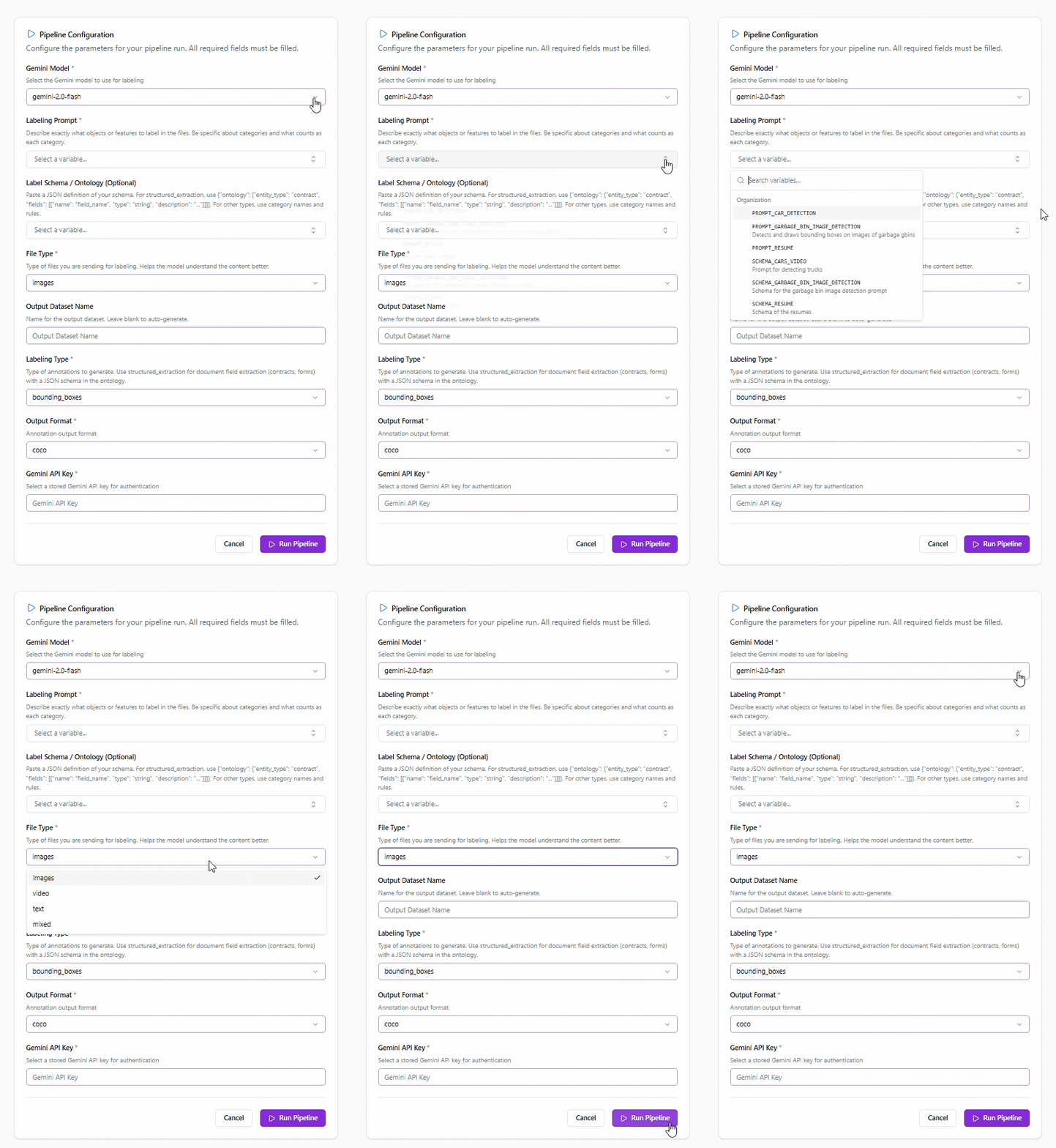
Model-Assisted
Pre-Labeling Feature
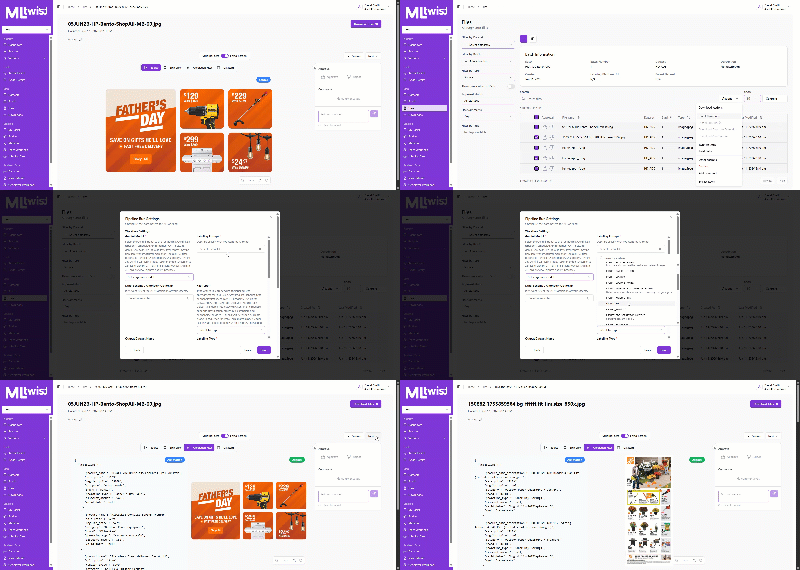
MLtwist also supports model-assisted pre-labeling by prompting state-of-the-art foundation models to generate initial annotations, reducing manual labeling effort and accelerating dataset creation.
OR host your own model on our platform to operate pre-labeling at scale and use HIL for quality control, testing and increasing your model performance on the go.
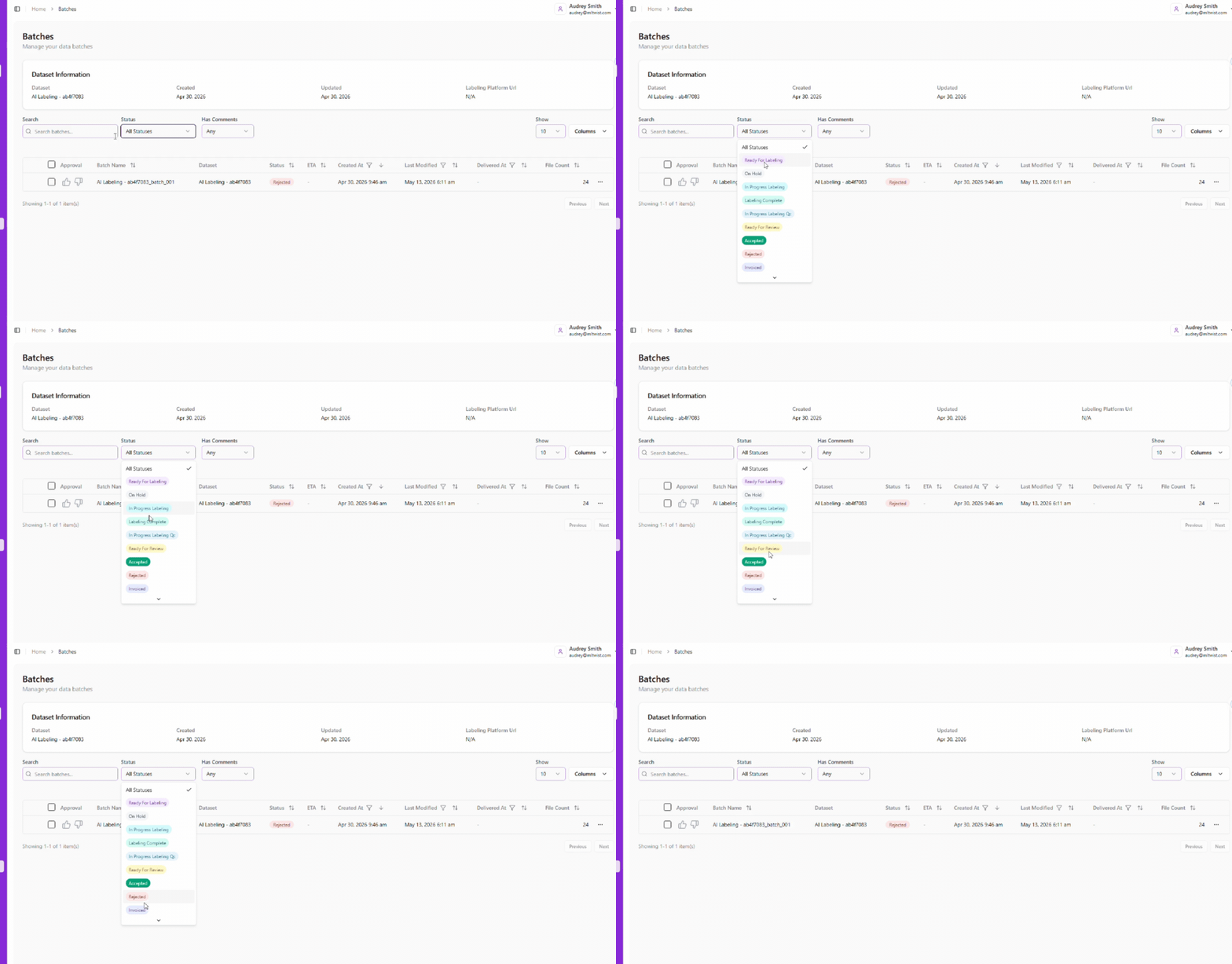
Track Data Transformation progress through completion
MLtwist helps you track progress on any data project from inception, to the various stages including: labeling, quality control, and more… Supporting your annotation workforce but also keeping track of what has been accepted or delivered.
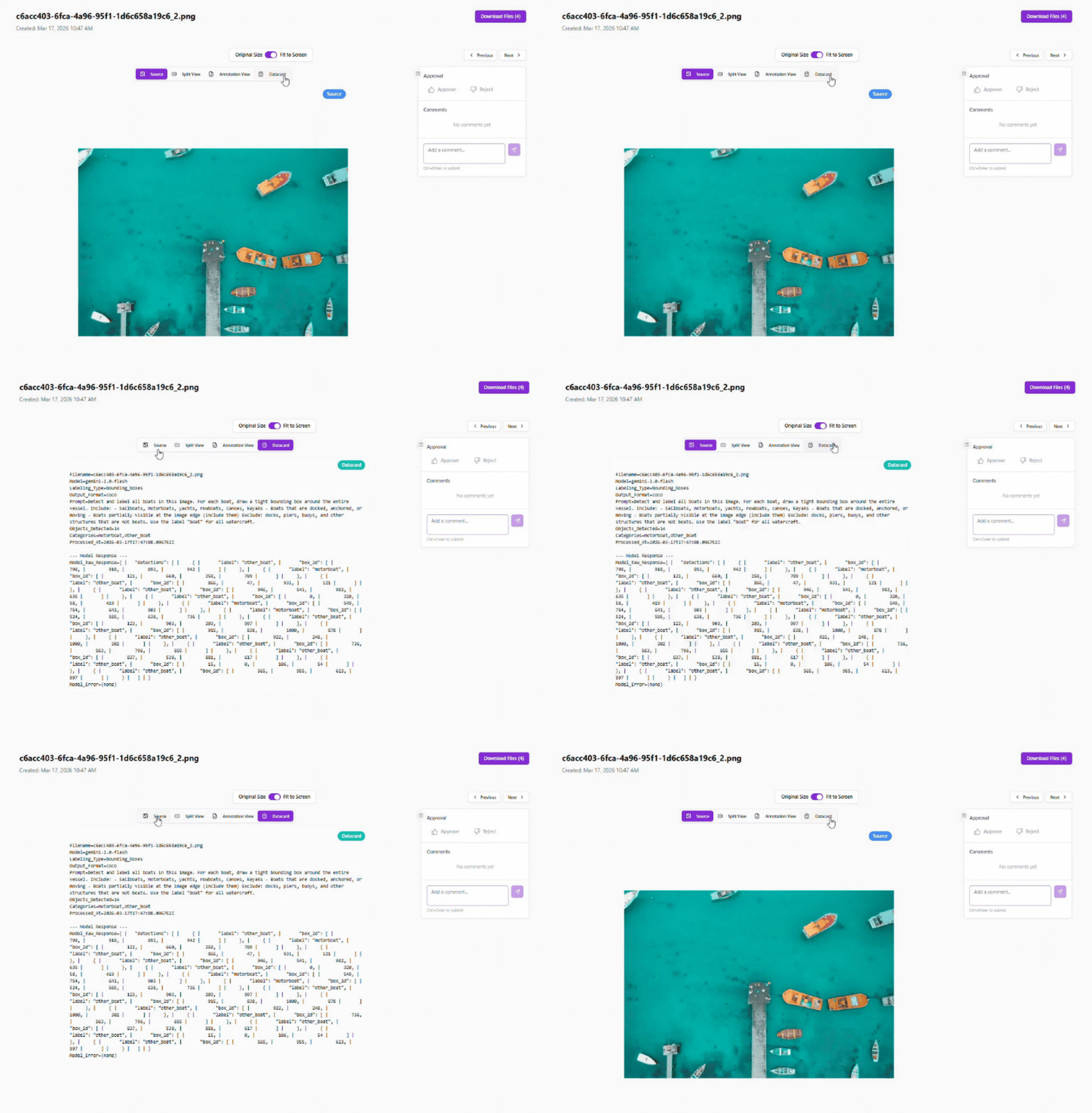
Full Traceability with Data ID Card
Know exactly where your data came from, how it was modified, and where it was used.
Every dataset processed through MLtwist is delivered with a Data ID Card, a comprehensive record of how the data was collected, transformed, labeled, and validated. It captures who handled the data, what operations were applied, and where the data was used, providing a complete and transparent history from raw input to final output.
This built-in traceability enables teams to confidently audit their datasets, reproduce training pipelines, and meet internal governance and regulatory requirements without relying on fragmented logs or manual documentation.
Quality Control for
High Quality Data Output
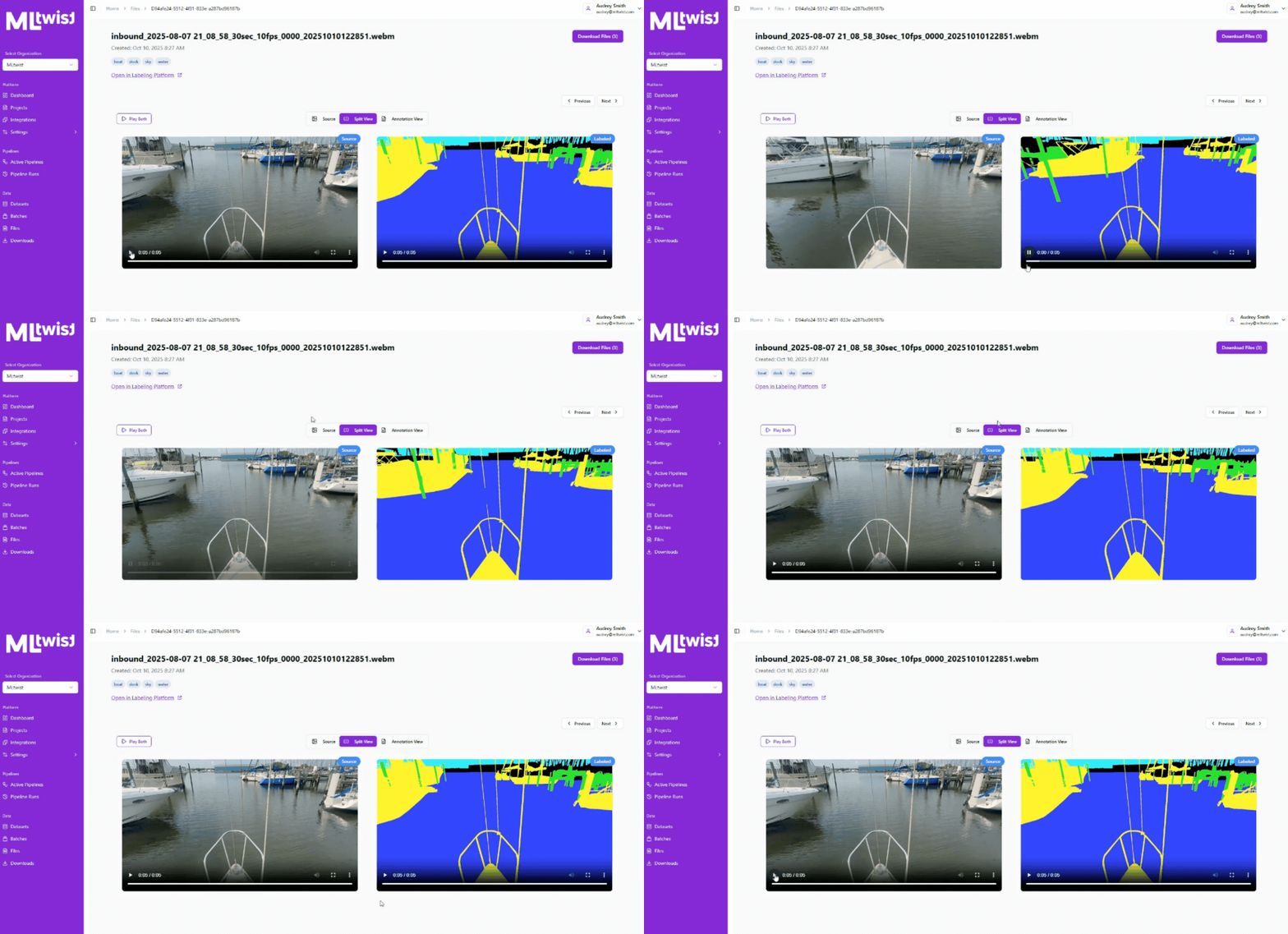
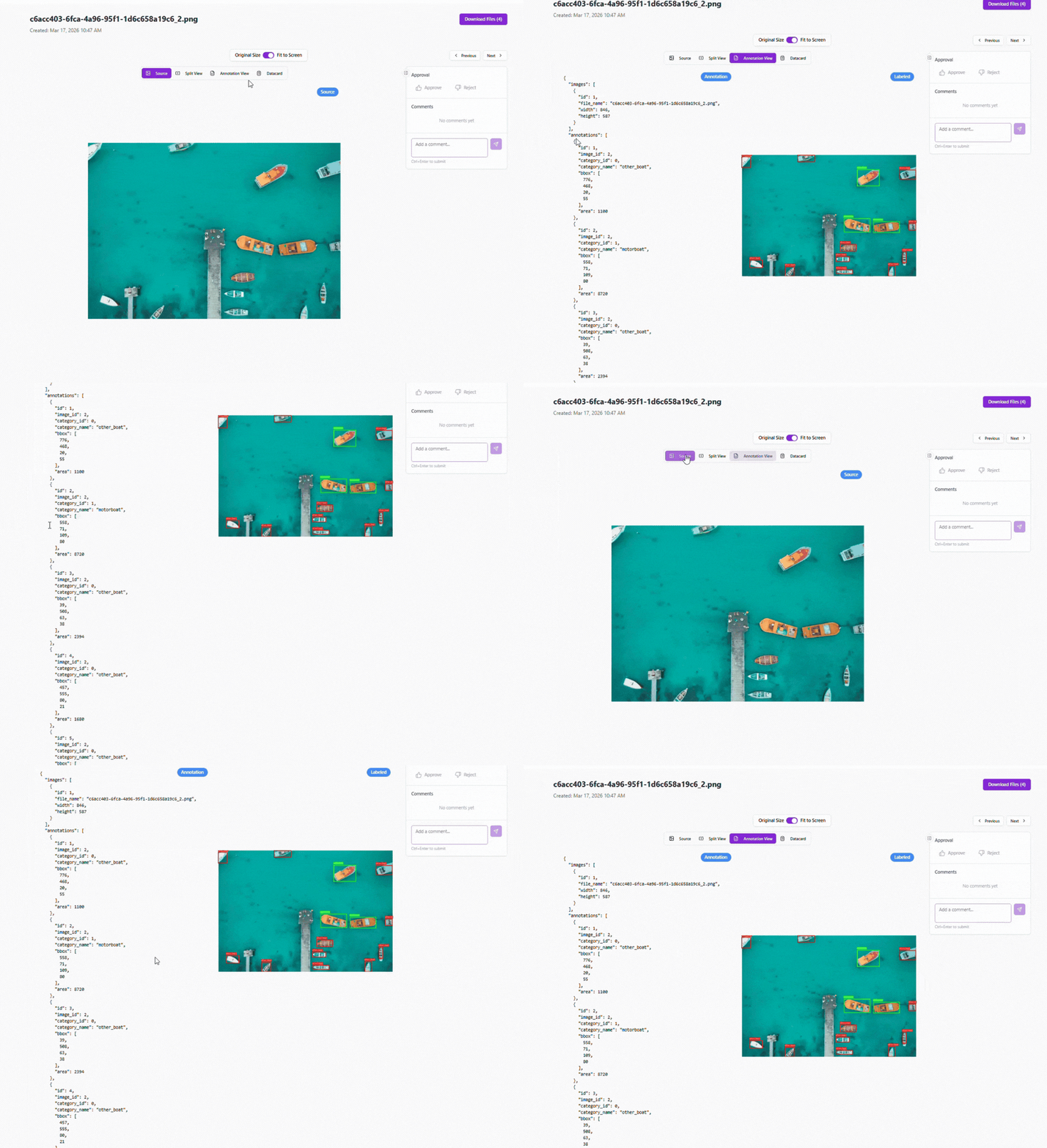
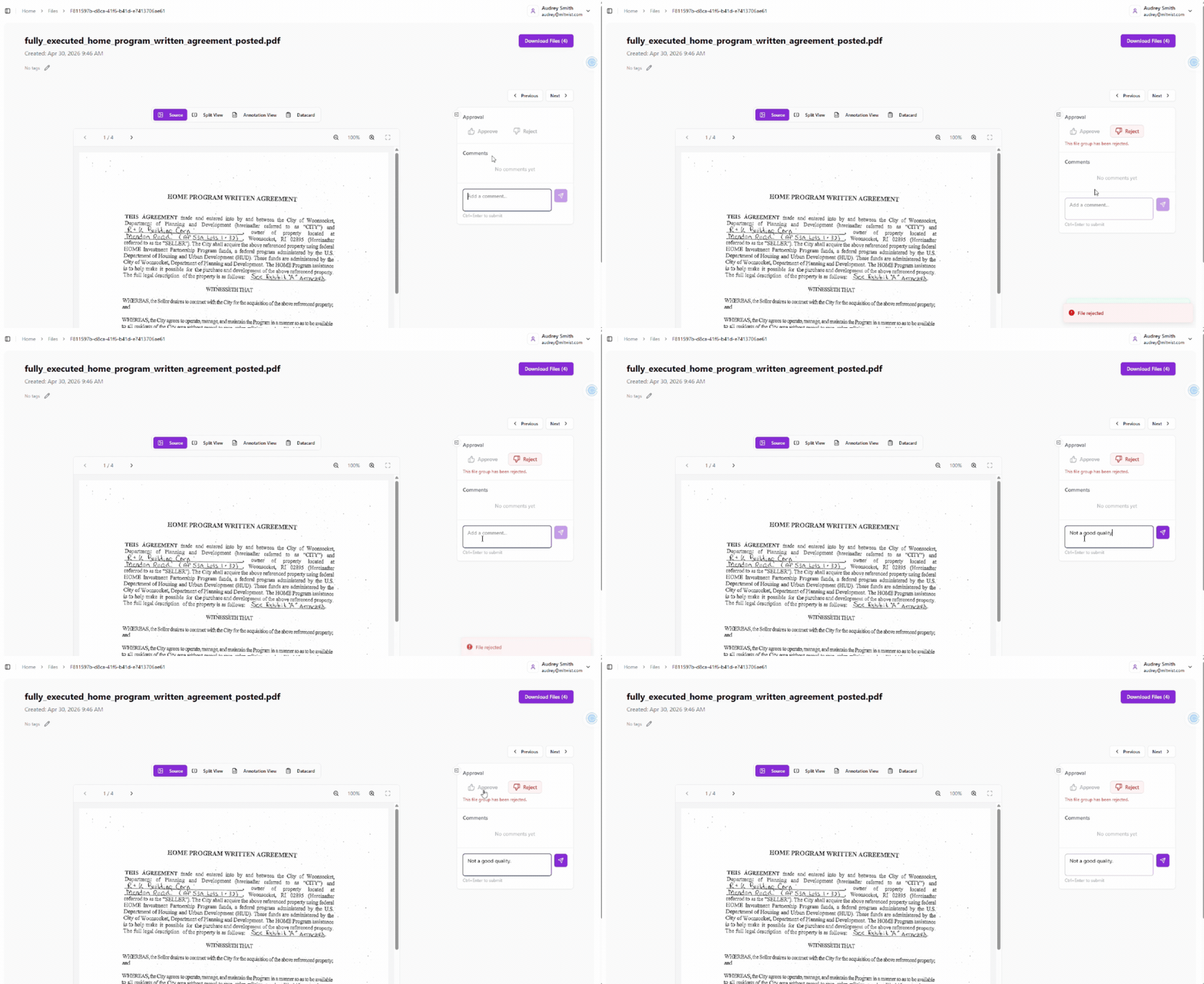
MLtwist provides automated and human-in-the-loop quality assurance, including anomaly detection, visual comparisons, and approval workflows, ensuring datasets are accurate, consistent, and production-ready.
Twist AI Builder
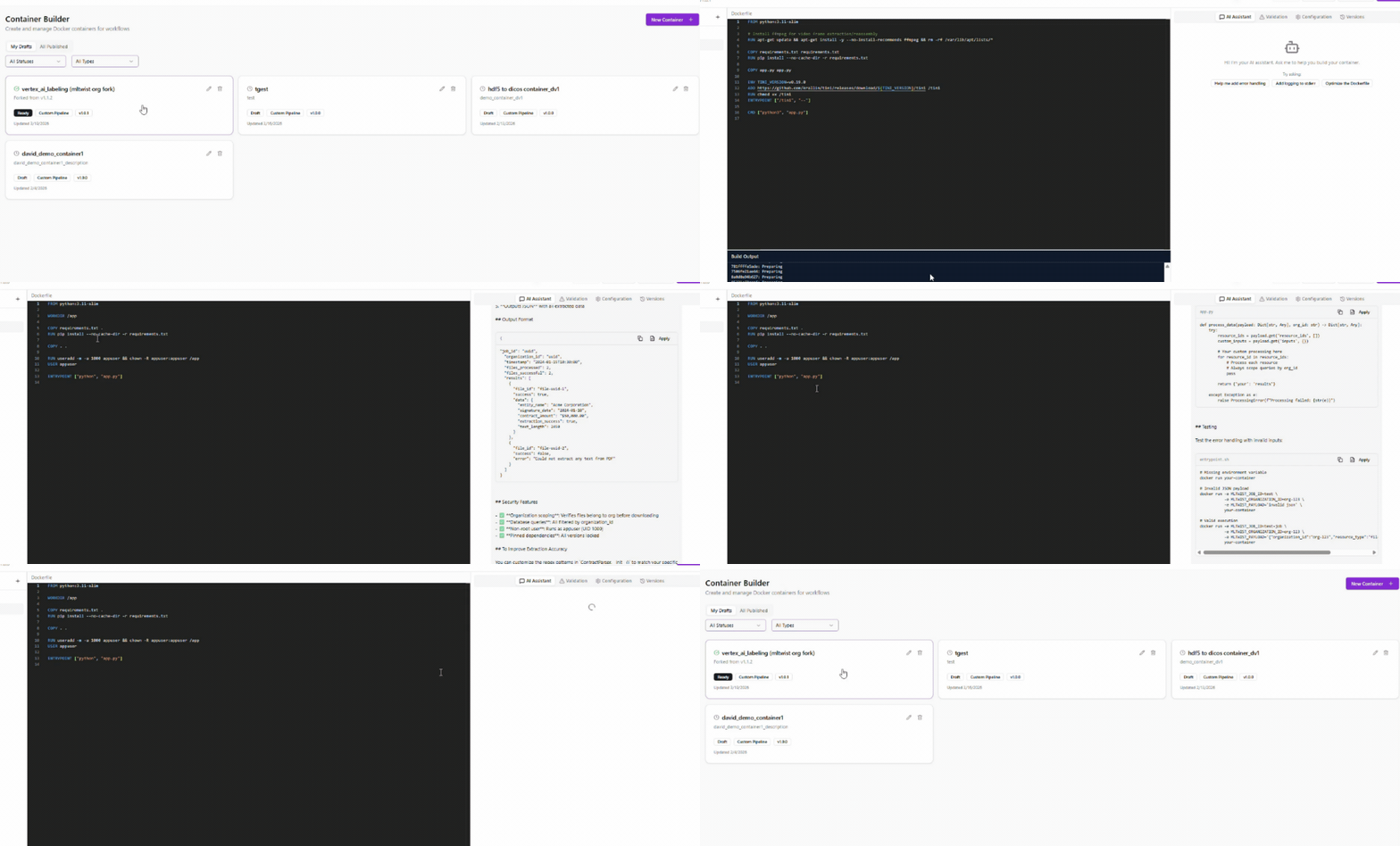
Twist AI Builder enables you to create custom data transformation containers tailored to your workflows. Choose from a library of pre-built Twists, from format conversion to LLM-powered prelabeling, or build your own to meet specific requirements. All custom Twists are securely scoped to your workspace, giving your team full control over how data is processed and prepared.
Turn Spreadsheets into Synthetic Video
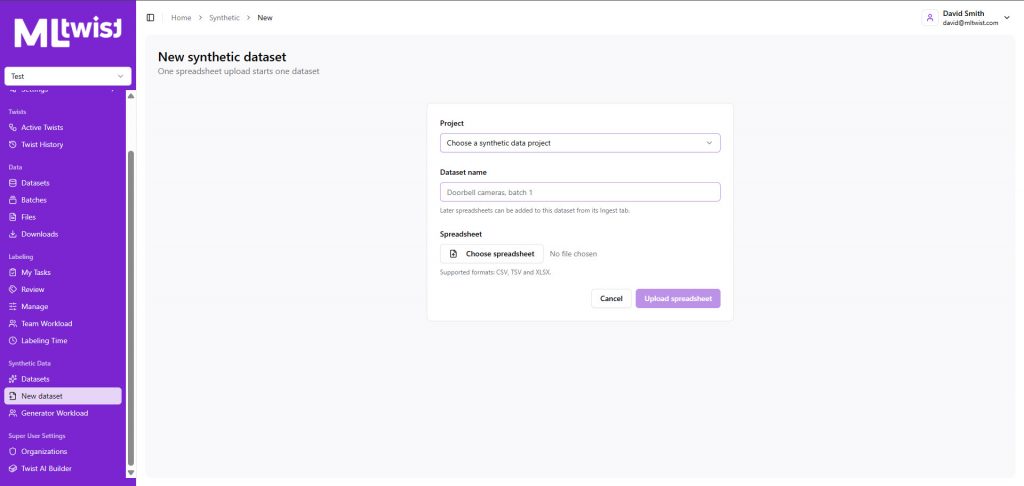
Transform structured scenarios in spreadsheets into synthetic videos at scale. MLtwist’s synthetic video module lets you generate initial clips, extend scenes, use companion files to guide generation, and combine clips to produce videos of any length.
Visualize 3D Data
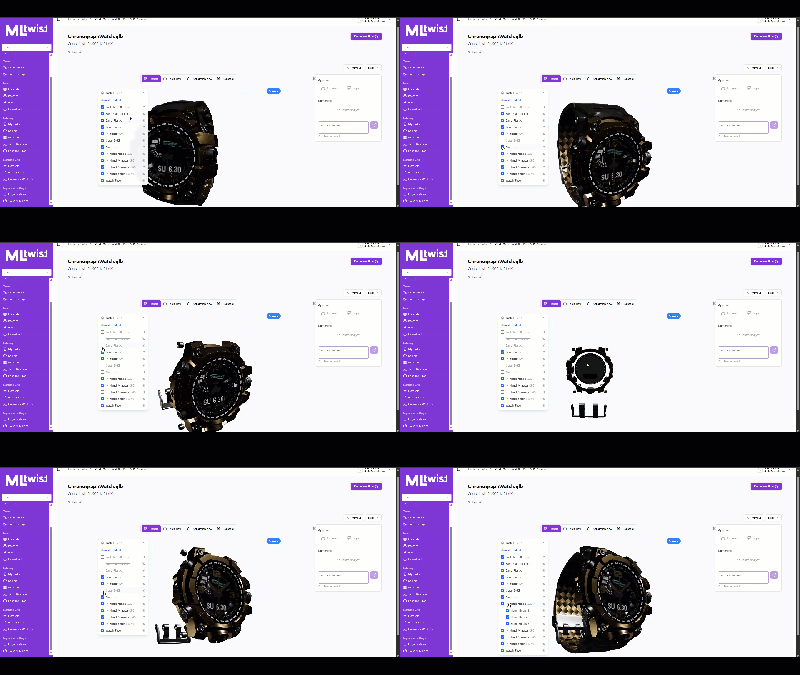
Easily visualize 3D source files and meshes, AI 3D prelabels, and human annotations directly in MLtwist. Review complex 3D data and annotations in one place without converting files or switching between tools.
Download your JSONs and Companion Files on the fly
Easily access the JSON files tied to your pre-labeled or fully labeled data, along with companion files that capture all associated metadata, at the push of a button. Instantly download everything you need in one place, ensuring seamless visibility, faster workflows, and complete control over your data.
Quality Control in Real Time
Thumbs up, Thumbs down, leave a comment at the file level, on the platform to let your annotators know what needs to be corrected.
Integrated Spreadsheet Workflow
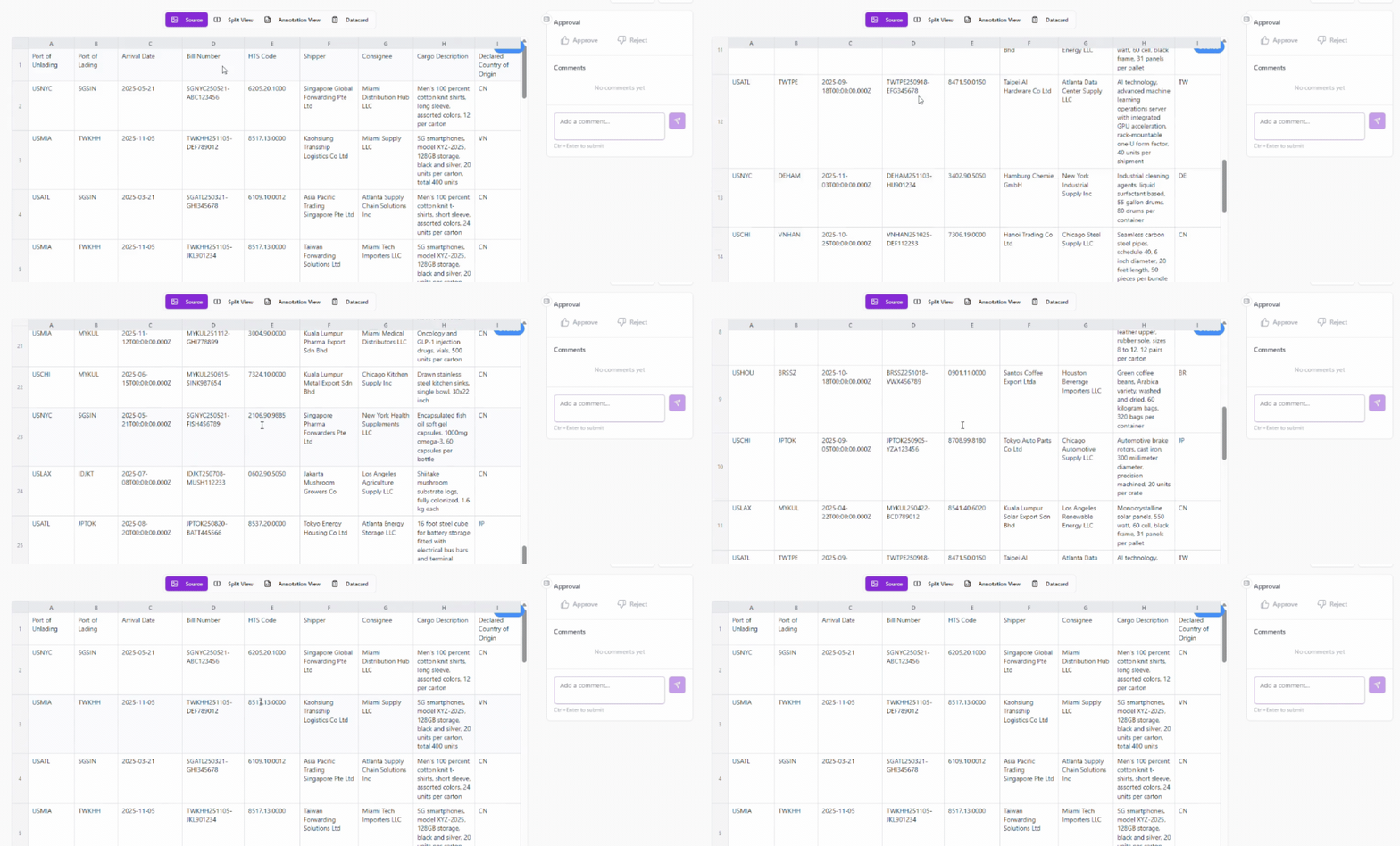
Generate reports based on spreadsheets, Render and operate quality control directly on spreadsheet data within the platform. Review entries, add comments, and approve or reject data for correction in real time.
Label Multimodal Files
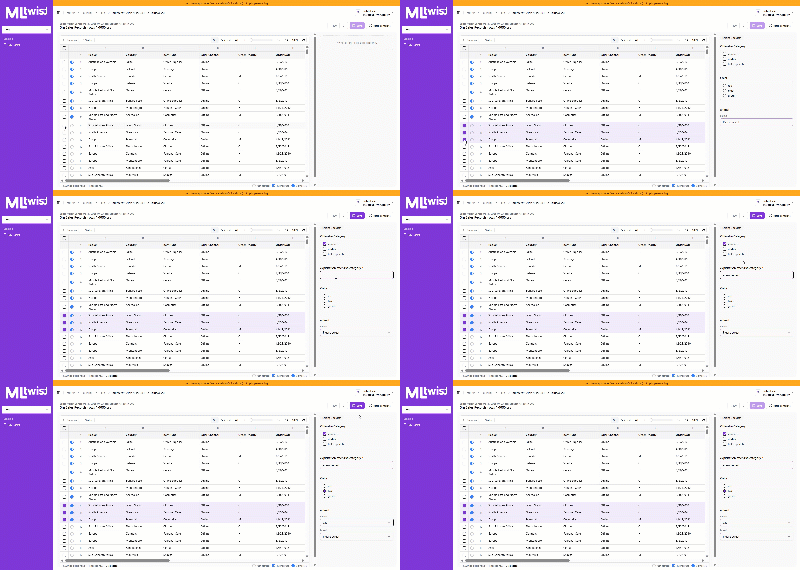
Add tags and metadata to files, then quickly approve or change labels as you review. Combine AI generated labels with human review to organize and enrich large datasets faster.
AI Tagging
Run Twists to automatically tag and enrich source files using AI. Apply models and prompts across CAD, DICOS, images, text, audio, video, and other file types, then send the results directly into your workflow.
Have a workflow you don’t see here? Build a Twist for it!